



GoFile is a cloud-based file hosting and sharing platform designed to make file uploads and downloads simple and fast. GoFile Cloud Storage Made Simple for Fast File Sharing allows users to upload files and generate shareable links without mandatory account creation. By prioritizing ease of use over long-term storage management, GoFile Cloud Storage Made Simple for Fast File Sharing supports quick, efficient, and temporary file distribution across devices.
Purpose and Core Use Case
GoFile is primarily used for temporary file sharing and large file transfers. It serves users who need a quick way to send files without complex folder structures, synchronization, or storage management features.
How GoFile Works
Files uploaded to GoFile are stored on distributed servers and accessed via generated links. Users can share these links with others to allow downloads, while GoFile manages server selection and availability in the background.
Summary
GoFile simplifies cloud storage by focusing on quick file uploads and link-based sharing rather than full-featured cloud drive functionality.
Key Points
- GoFile is a file hosting and sharing service
- No mandatory registration is required
- Designed for simplicity and speed
- Best suited for temporary storage and sharing
Unlimited File Uploads
GoFile allows users to upload files without strict size caps per account, making it suitable for sharing large files. Upload capacity depends primarily on server availability and network conditions rather than predefined storage limits.
Simple File Sharing Links
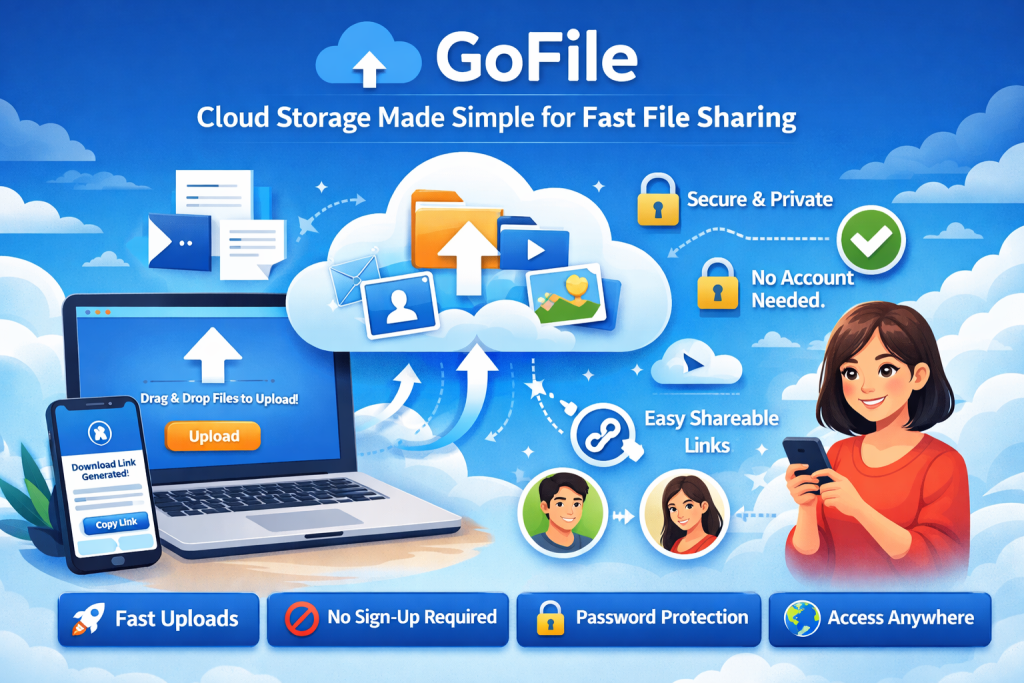
Each uploaded file generates a direct, shareable link. These links allow recipients to download files without logging in, reducing friction and simplifying access across devices and platforms.
No Mandatory Registration
GoFile does not require users to create an account for basic file uploads and sharing. This lowers entry barriers and supports quick, anonymous file transfers.
Multi-Server Upload Handling
GoFile automatically selects available servers to handle uploads and downloads. This distributed approach helps maintain availability and balances traffic without user intervention.
Summary
GoFile’s key features focus on removing complexity from cloud storage by eliminating account requirements, simplifying sharing, and supporting large file uploads.
Key Points
- Supports large file uploads
- Uses link-based file sharing
- No account required for basic use
- Distributed servers manage availability
Pros and Cons
Pros
- Fast and simple file sharing
- Minimal setup required
- Accessible across devices
Cons
- Limited file management tools
- Not designed for long-term storage
More About Cloud : Play Games from NAS Cloud Storage
How GoFile Simplifies Cloud Storage
Minimal User Interface
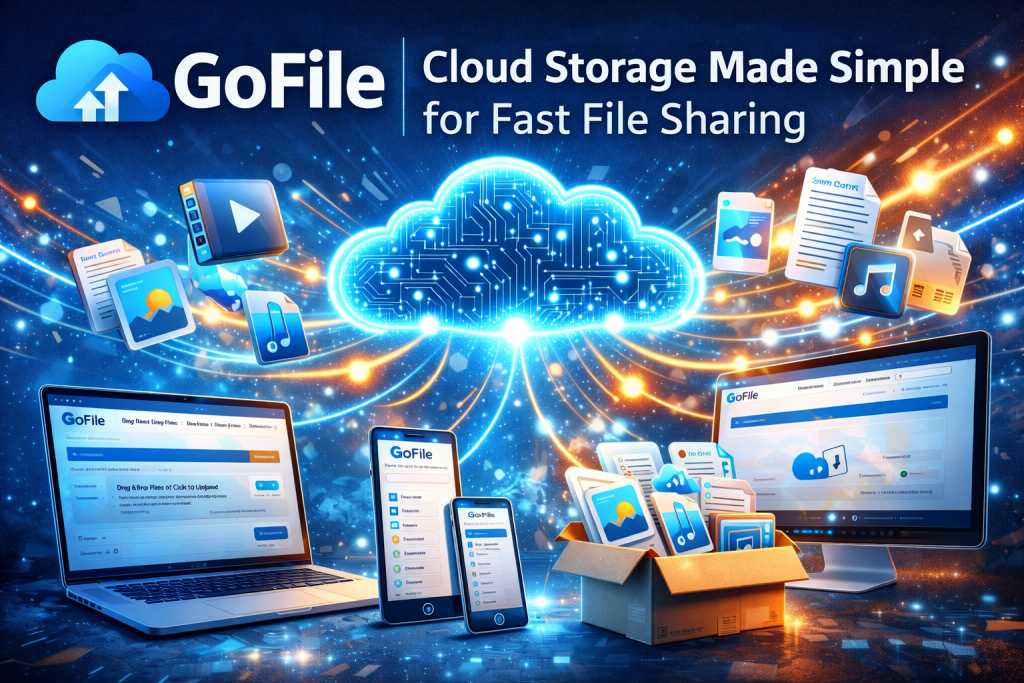
GoFile uses a clean, minimal interface that focuses on file upload and sharing without advanced configuration options. This design reduces user effort and allows files to be uploaded and shared in just a few steps.
Fast Upload and Download Process
By automatically selecting optimal servers, GoFile enables efficient upload and download speeds. Users do not need to manage regions or storage locations, which helps maintain a smooth file transfer experience.
Cross-Device Accessibility
GoFile works across desktops, laptops, and mobile devices through standard web browsers. Files can be accessed and downloaded without installing additional software or applications.
Summary
GoFile simplifies cloud storage by removing unnecessary features and prioritizing fast, browser-based file uploads and downloads.
GoFile Storage Limits and File Retention
File Size Policies
GoFile does not impose a fixed maximum file size for uploads in the traditional sense. Upload capability is influenced by server capacity and network stability rather than strict user-level quotas, allowing large files to be shared when resources are available.
Storage Duration Rules
Files stored on GoFile are not intended for permanent storage. Retention duration depends on file activity, with actively downloaded files remaining available longer than inactive ones.
Inactive File Deletion
Files that are not accessed for extended periods may be automatically removed to free server resources. This makes GoFile suitable for temporary sharing rather than long-term data storage.
Summary
GoFile offers flexible upload capacity but uses activity-based retention, reinforcing its role as a temporary file hosting platform.
Key Points
- No fixed file size cap is publicly defined
- File retention depends on activity
- Inactive files may be deleted automatically
- Not designed for permanent storage
Security and Privacy on GoFile
Data Transmission Security
GoFile uses encrypted connections to protect files during upload and download. This helps prevent interception of data while files are being transferred between users and servers.
File Access Control
Access to stored files is managed through unique download links. Only users with the correct link can retrieve the file, which limits exposure without requiring user accounts.
Privacy-Oriented Usage Model
GoFile does not require personal information or mandatory registration for basic file sharing. This reduces the amount of user data stored on the platform and supports anonymous usage.
Summary
GoFile applies basic security measures focused on secure transfers and link-based access while minimizing personal data collection.
Key Points
- Encrypted file transfers
- Link-based access control
- No mandatory account creation
- Limited personal data storage
Common Use Cases for GoFile Cloud Storage
Temporary File Sharing
GoFile is commonly used for sharing files that are needed for a short period. This includes sending documents, images, videos, or archives without setting up user accounts or long-term storage plans.
Large File Transfers
Because GoFile supports large uploads based on server availability, it is frequently used to transfer files that exceed email attachment limits, such as high-resolution media files or software packages.
Collaboration Support
Teams and individuals use GoFile to exchange files during short-term projects. The simple link-sharing model allows quick access without onboarding steps or permission management.
Backup Alternatives for Short Durations
GoFile can act as a temporary backup option when quick offsite access is required. However, it is not intended to replace structured backup or cloud storage services.
Summary
GoFile is best suited for short-term, large-file sharing where speed and simplicity are more important than long-term storage management.
Key Points
- Ideal for temporary file sharing
- Useful for large files
- Supports quick collaboration
- Not suitable for long-term backups
Purpose-Based Comparison
GoFile is designed primarily for quick file sharing, while traditional cloud storage platforms focus on long-term file management, synchronization, and collaboration features.
Feature Availability
Unlike full-service cloud storage providers, GoFile does not offer built-in file organization, version control, or user-based access permissions. Its strength lies in simplicity rather than advanced functionality.
Cost and Account Requirements
GoFile allows users to upload and share files without mandatory registration or subscription fees. In contrast, many cloud storage services require accounts and impose limits on free storage tiers.
Performance Considerations
GoFile optimizes file transfers by automatically routing uploads and downloads through available servers. Other platforms may prioritize synchronization accuracy and data persistence over transfer speed.
Summary
GoFile differs from traditional cloud storage by prioritizing fast, anonymous file sharing over persistent storage and collaboration tools.
Key Points
- GoFile focuses on temporary file sharing
- No account or subscription required
- Fewer features than full cloud platforms
- Optimized for fast transfers
Purpose-Based Comparison
GoFile is designed primarily for quick file sharing, while traditional cloud storage platforms focus on long-term file management, synchronization, and collaboration features.
Feature Availability
Unlike full-service cloud storage providers, GoFile does not offer built-in file organization, version control, or user-based access permissions. Its strength lies in simplicity rather than advanced functionality.
Cost and Account Requirements
GoFile allows users to upload and share files without mandatory registration or subscription fees. In contrast, many cloud storage services require accounts and impose limits on free storage tiers.
Performance Considerations
GoFile optimizes file transfers by automatically routing uploads and downloads through available servers. Other platforms may prioritize synchronization accuracy and data persistence over transfer speed.
Summary
GoFile differs from traditional cloud storage by prioritizing fast, anonymous file sharing over persistent storage and collaboration tools.
Key Points
- GoFile focuses on temporary file sharing
- No account or subscription required
- Fewer features than full cloud platforms
- Optimized for fast transfers
Purpose-Based Comparison
GoFile is designed primarily for quick file sharing, while traditional cloud storage platforms focus on long-term file management, synchronization, and collaboration features.
Feature Availability
Unlike full-service cloud storage providers, GoFile does not offer built-in file organization, version control, or user-based access permissions. Its strength lies in simplicity rather than advanced functionality.
Cost and Account Requirements
GoFile allows users to upload and share files without mandatory registration or subscription fees. In contrast, many cloud storage services require accounts and impose limits on free storage tiers.
Performance Considerations
GoFile optimizes file transfers by automatically routing uploads and downloads through available servers. Other platforms may prioritize synchronization accuracy and data persistence over transfer speed.
Summary
GoFile differs from traditional cloud storage by prioritizing fast, anonymous file sharing over persistent storage and collaboration tools.
Key Points
- GoFile focuses on temporary file sharing
- No account or subscription required
- Fewer features than full cloud platforms
- Optimized for fast transfers
Use GoFile for Short-Term Sharing
GoFile performs best when used for temporary file distribution. Upload files with the expectation that they will be accessed and downloaded within a limited timeframe.
Keep Backup Copies Elsewhere
Always maintain copies of important files in secure, long-term storage solutions. GoFile should be treated as a transfer tool rather than a primary storage system.
Share Links Securely
Since access is controlled through download links, links should be shared only with intended recipients. Avoid posting links publicly if the content is sensitive.
Monitor File Activity
If continued availability is required, ensure files are periodically accessed to reduce the likelihood of automatic deletion due to inactivity.
Summary
Using GoFile effectively involves treating it as a temporary file-sharing service and applying basic access and backup precautions.
Key Points
- Best for short-term file transfers
- Maintain external backups
- Control link sharing carefully
- Monitor file access activity
Conclusion
GoFile – cloud storage made simple is designed for fast, temporary file sharing rather than long-term data management. GoFile cloud storage made simple supports quick uploads, anonymous access, and link-based sharing, making it suitable for short-term collaboration and large file transfers. While GoFile cloud storage made simple does not offer permanent storage or advanced file management features, it effectively serves users who prioritize speed, simplicity, and ease of access over full-scale cloud storage solutions.
FAQs
What is GoFile used for?
GoFile is used for temporary file sharing, allowing users to upload and distribute files through direct download links without creating an account.
Is GoFile free to use?
Yes, GoFile offers free file uploads and downloads without mandatory registration or subscription plans.
Does GoFile store files permanently?
No, GoFile uses activity-based retention. Files that are not accessed for a certain period may be deleted automatically.
Is GoFile secure for sharing files?
GoFile uses encrypted connections during file transfers and relies on link-based access, but it is not intended for highly sensitive or regulated data.
Can GoFile replace cloud storage services?
GoFile is not a replacement for full cloud storage platforms, as it lacks long-term storage, file management, and collaboration features.
References
- GoFile Official Platform Documentation
- General Cloud Storage and File Hosting Standards
- Industry Observations on Temporary File Sharing Services
 Daniyal Shabbir